
How to Make an AI Rap Video From a Photo in 3 Steps
Most AI video tools start with an empty prompt box. To get a rap video out of one, you write a scene, pick a model, set a length and an aspect ratio, and then hope the person on screen looks like you.
AI Rap Video starts from the other end. You pick a rap clip that is already viral, and the only thing you decide is who is in it.
Step 1: Pick a clip
Each template is a short rap clip. The beat, the camera and the moves come with it. Right now there are three:
- Hotel Lobby: the orange booth duo with the hanging mic. Two people, 13 seconds, landscape.
- Bulin 47: the club freestyle from “Dame Hombro”. One person, 13 seconds, vertical.
- Cold Room: a grandma rapping in a room of white boxes. One person, 13 seconds, landscape.
The page shows how many photos the clip needs, so there is nothing to guess.
Step 2: Add one photo per person
Each slot shows who you replace, left to right. Add a photo for each one.
The photos that work best:
- One person per photo
- Facing the camera, chest up
- Good light, nothing covering the face
Picked the wrong photo? Tap the × on it and add another.
Step 3: Press Generate
Your video renders in a few minutes. You can close the tab while it works. It will be waiting in My videos. Download the MP4 and post it.
If a render fails, the video goes back to your balance on its own.
This is what one photo turns into:
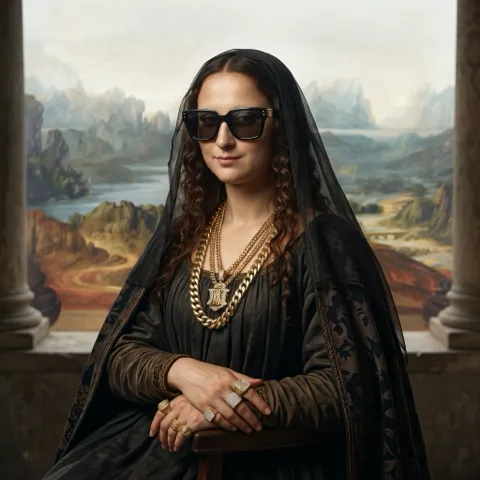 one photo in
Why it only takes three steps
The parts that usually go wrong are already decided. The clip fixes the scene, the moves, the length and the sound. Your photos decide the people. That is the one part that should be up to you.